Employee Timesheet Template
A business needs to have a proper method of tracking employee working hours. A proper time-tracking method can establish accountability. A business that tracks employee working hours will be able to make better policies to help the company grow. When employees know that their time is being tracked, they will arrive at work on time and leave on time as well.
An effective time-tracking tool will enhance transparency. Employees and employers will know that everyone is being paid what they deserve. All businesses need to track employee working hours. An employee timesheet template is a worksheet that can be used here.
What is an employee timesheet template?
This is a timesheet that a company can use to properly track employees’ working hours. The timesheet includes employee details as well as their clock-in and clock-out times.
A timesheet tracks the amount of time an employee has worked during a specific period. It records the time spent on various tasks, projects, or activities. The template also helps employers obtain accurate details needed for each pay period.
An employee timesheet is a professional document and should be designed so that anyone required to fill it out can do so easily. The following tips can help you create a timesheet template that is simple and user-friendly.
Decide period:
You can choose the time frame for the timesheet, such as daily, weekly, or monthly. You may also create a project timesheet to analyze the time taken to complete a specific project and track the employees working on it.
Template format:
The heading can be ‘Employee Timesheet,’ followed by a table to record all relevant details. Include a section for the employee’s name and job title. The manager’s name should also be provided. Clearly state the pay period covered by the timesheet. You may also include separate fields for the hourly rate and the overtime rate.
Time details:
Include a table that records the employee’s working hours. A date column should capture the work date, and a day column should indicate the day of the week. Include a start time column to record when the employee begins work. There should be separate columns for lunch start and lunch end times. Finally, include an end time column to record when the employee finishes work for the day.
One column should be used to record regular hours, and a separate column should be included for overtime hours. You may also include a column for total hours to automatically calculate the total time worked. At the bottom of the regular hours, overtime hours, and total hours columns, add a row to show the total time and another row to calculate the total pay.
After the table, there should be a section for the employee’s signature and date, as well as another section for the manager’s signature and date. If the timesheet is used to track project working hours, a column for the project name can also be included.
It gives a detailed record stating the number of hours worked
All businesses, especially those that pay employees based on the number of hours worked, need an employee timesheet template. Such a timesheet provides a detailed record of hours worked, allowing accurate payroll calculations and ensuring employees are paid correctly.
When a timesheet is prepared carefully, it helps minimize errors and build trust among team members. This is because a transparent record of employee work hours is maintained. Employers can easily track which employees arrive on time and are working according to the hours agreed upon in their contracts.
The employer can identify which employees are not adhering to their agreed working hours and which ones are working overtime. Appropriate action can then be taken to ensure that all employees remain productive and are paid accurately for the time they have worked.
Here are the templates for MS Excel.
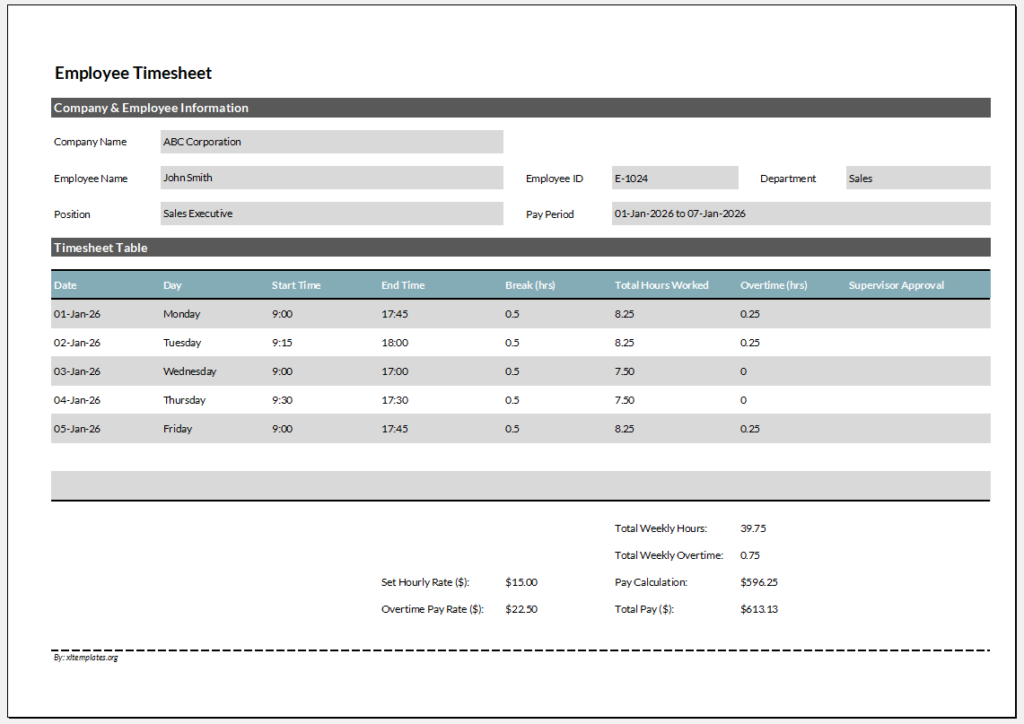
Key Uses:
1. Track employee attendance and hours worked.
2. Calculates overtime automatically.
3. Supports payroll processing.
4. Helps identify underperformance or overwork.
File Size: 68 KB
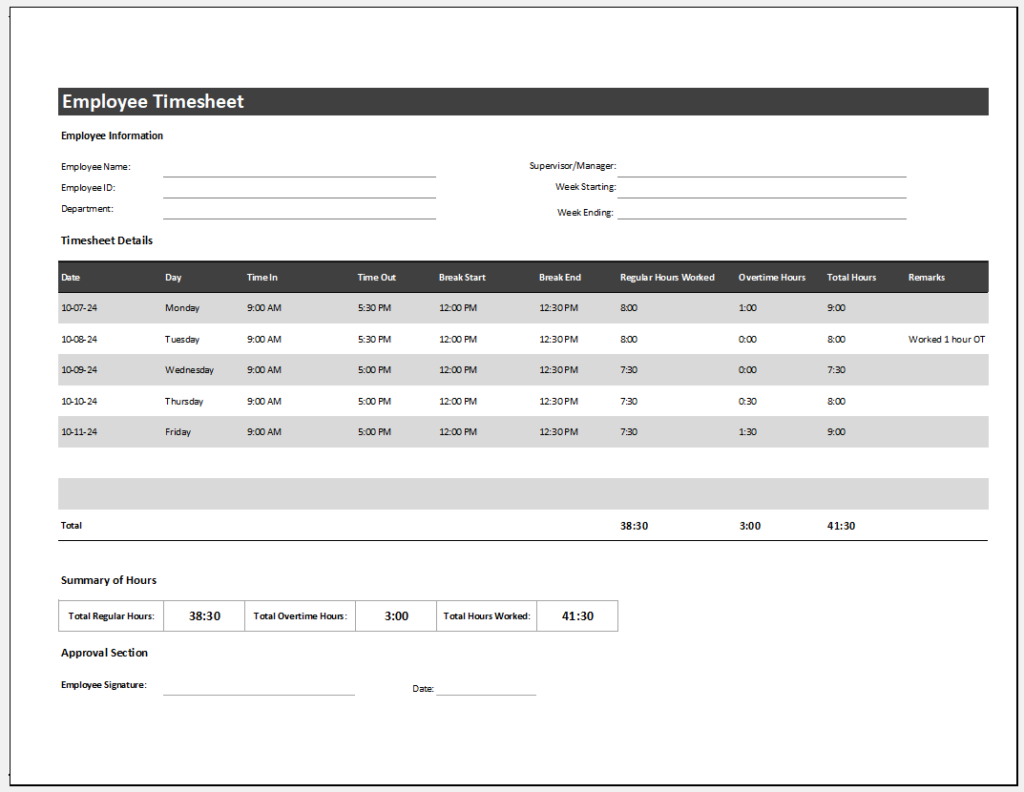
Format: MS Excel 2010/+
File Size: 68 KB
Preview
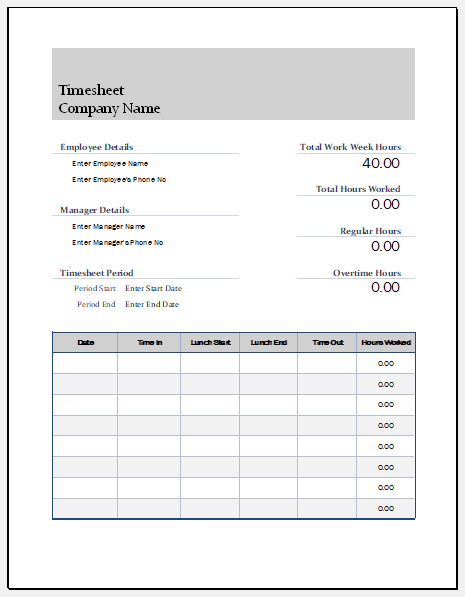
Format: MS Excel 2010/+
File Size: 68 KB
- Winter Clothing & Gear Budget Sheet
- Winter Utility Expense Template
- Fuel & Equipment Sheets
- Monthly Attendance Sheet for Employees
- Student Entry & Exit Log
- Gantt Chart for Smaller Projects
- Behavior Log of Child for Schools
- Loan Repayment Tracker
- Product Sales Tracker Template
- Debit Memo Template for Excel
- Winter Attire Inventory
- Financial Projections Worksheet
- Employee Absence Tracker
- Weekly Sales Report Template
- Budget Vs Actual Statement
← Previous Article
Employee Illness TrackerNext Article →
Food Budget Template